Business
What Can You Create With Adobe Firefly? Images, Video and AI-Powered Content
Every creative project starts with the same fundamental question:
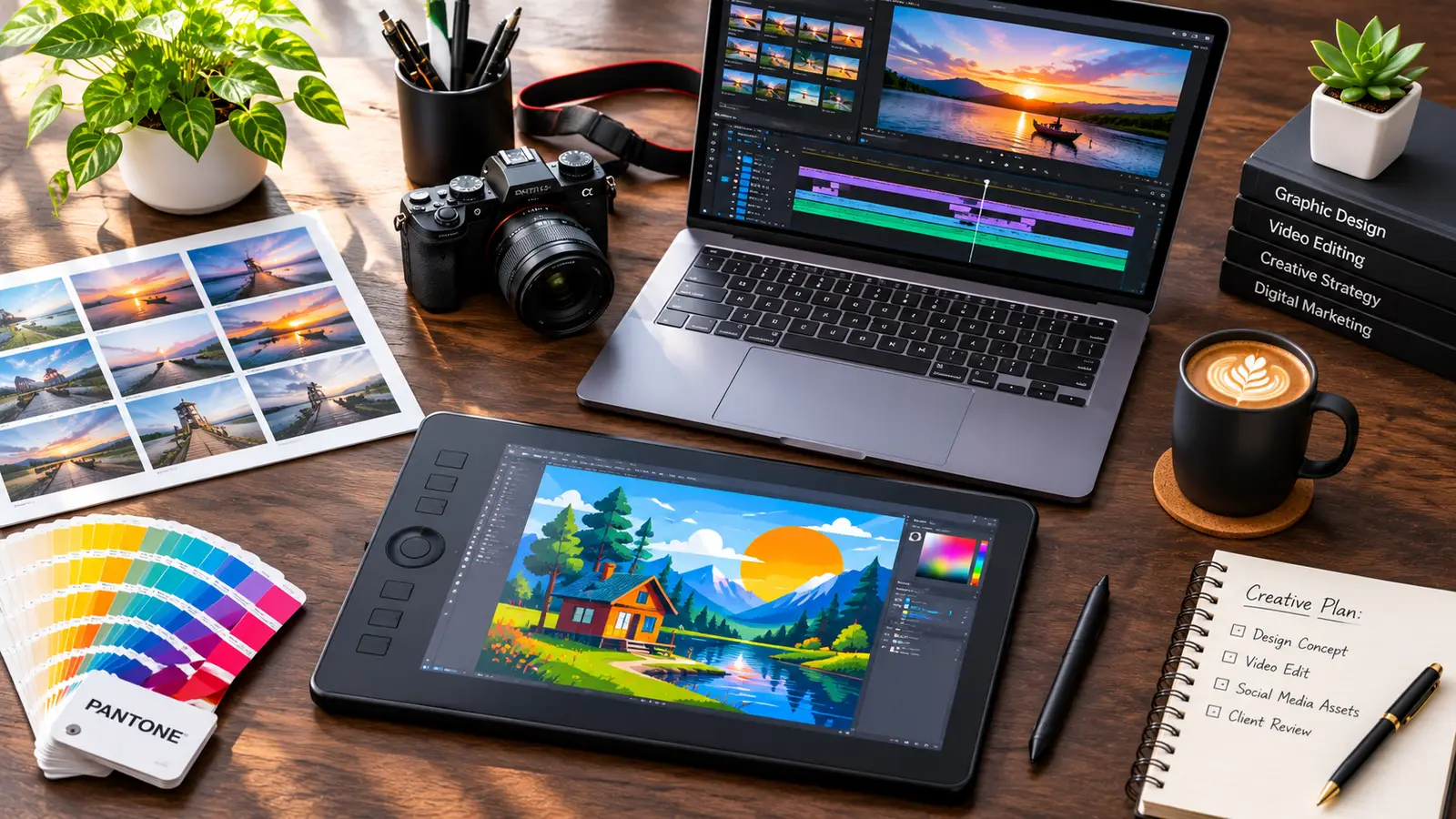
how do you get the idea out of your head and onto the screen before the deadline hits? Whether you are building a pitch deck for a skeptical client, cutting a promotional reel that is two seconds short on B-roll, or mocking up packaging for a brand that does not have a photography budget yet, production bottlenecks always show up in the same places
Some of our links may be affiliate links and if you buy through our link, we might generate some commissions.
You either spend hours digging through asset libraries hoping to find something close enough, or you burn half a day building placeholder graphics from scratch.
Adobe Firefly changes that equation by acting as an on-demand production studio right inside the apps you already use. Rather than functioning as an isolated novelty where you type a random phrase and hope for an interesting picture, Firefly is built to generate practical, editable creative building blocks across photography, illustration, vector design, and video.
If you have been wondering how generative tools actually fit into real-world client work, here is a clear breakdown of what you can build with Adobe Firefly across different mediums—and how those assets hold up in a professional studio workflow.
Discover Adobe's suite of products.
Custom Photography and Concept Art That Matches Your Brief
Stock photography is a lifesaver for everyday scenarios, but it hits a wall the moment your creative brief gets hyper-specific. When an art director asks for a matte black espresso machine sitting on a mossy volcanic rock during a misty twilight, you are not going to find that in a standard stock search. Historically, you either had to composite five separate photos together in Photoshop or rent gear for an expensive studio shoot.

With Firefly’s Text to Image module, you can generate bespoke lifestyle photography, conceptual editorial imagery, and studio product shots from a straightforward written description. Because the interface is designed around visual creators rather than software engineers, you do not have to memorize cryptic text tags to control the look of your shot. You write a natural description of your subject and use Firefly’s built-in camera controls to select a wide-angle or macro lens, dial in a shallow depth of field, and switch the lighting from dramatic studio backlighting to soft golden hour warmth.
Discover Adobe's suite of products.
Locking in Layouts with Structure and Style References
The biggest frustration creatives experience with typical AI image generators is visual inconsistency. Generating one striking image is easy; generating six distinct images that look like they belong to the same seasonal campaign is notoriously difficult.
Firefly solves this through dedicated Structure Reference and Style Reference controls. If you have a specific compositional layout in mind—say, a product centered in the lower third with clean negative space for headline copy at the top—you can upload a rough pen sketch or a quick wireframe as a Structure Reference. Firefly reads the spatial geometry and depth map of your sketch and renders a full photograph that follows your exact contours.
To keep your visual identity cohesive across a multi-asset project, you can upload an existing brand photograph or illustration as a Style Reference. Firefly extracts the color harmony, lighting mood, contrast, and surface textures from your reference image and applies that exact visual language to every new asset you generate. You can build an entire ten-frame storyboard where every shot shares the same film grain and color grade without touching a separate LUT.
Seamless Photo Composites and Multi-Format Campaigns
Once you move from the Firefly web workspace into Adobe Photoshop, generative capabilities shift from making brand-new images to transforming the photographs already sitting on your hard drive. Anyone who works in digital marketing knows the pain of adapting a single hero photograph into a dozen different aspect ratios for website headers, vertical social stories, square carousel posts, and print flyers.

Extending Canvases Without Cloning Pixels
In the past, turning a tight vertical portrait into a wide horizontal website banner meant spending an hour with the Clone Stamp and Healing Brush tools trying to fake extra background foliage or studio backdrop—or giving up and placing awkward solid-color bars on the sides of the frame.
Using Generative Expand in Photoshop, you simply drag the Crop tool beyond the original borders of your photograph and click generate. Firefly analyzes the lighting direction, lens blur, perspective lines, and optical grain of your original photo and builds out the rest of the scene. If your subject is standing in a sunlit pottery studio in front of wooden shelves filled with clay vessels, the expanded canvas continues the wooden shelving, pottery shapes, and warm window shadows naturally across the wider frame.
Non-Destructive Retouching and Set Staging
Through Generative Fill, you can also add, swap, or strip away objects inside an existing photograph in seconds. If an outdoor architectural shot is cluttered with parked cars, street signs, and overhead power lines, a quick lasso selection removes them while cleanly reconstructing the brickwork and landscaping behind them.
Discover Adobe's suite of products.
Conversely, if a client reviews an interior design photo and decides an empty oak dining table needs a linen runner and a ceramic bowl of green apples, you can brush over the surface and type a brief prompt. Firefly renders the props with accurate contact shadows, perspective, and wood reflections. Best of all, every generated element sits on its own dedicated layer accompanied by an automatic layer mask, ensuring your original pixels remain completely untouched underneath.
Scalable Vector Graphics, Icons, and Brand Patterns
Raster images are only half the battle in graphic design. When you are building brand identities, packaging die-lines, apparel graphics, or UI icon sets, flat pixel images simply will not cut it. You need clean anchor points, scalable paths, and organized layer groups that can be scaled up to a trade show backdrop or shrunk down to a mobile app button without losing crispness.
Building Editable Vectors in Adobe Illustrato
Wired directly into Adobe Illustrator, Firefly’s Text to Vector Graphic engine generates true, scalable SVG artwork right on your artboard. Instead of spitting out a flattened raster image that you have to run through Image Trace and clean up by hand, Firefly builds clean vector geometry sorted into logical path groups.
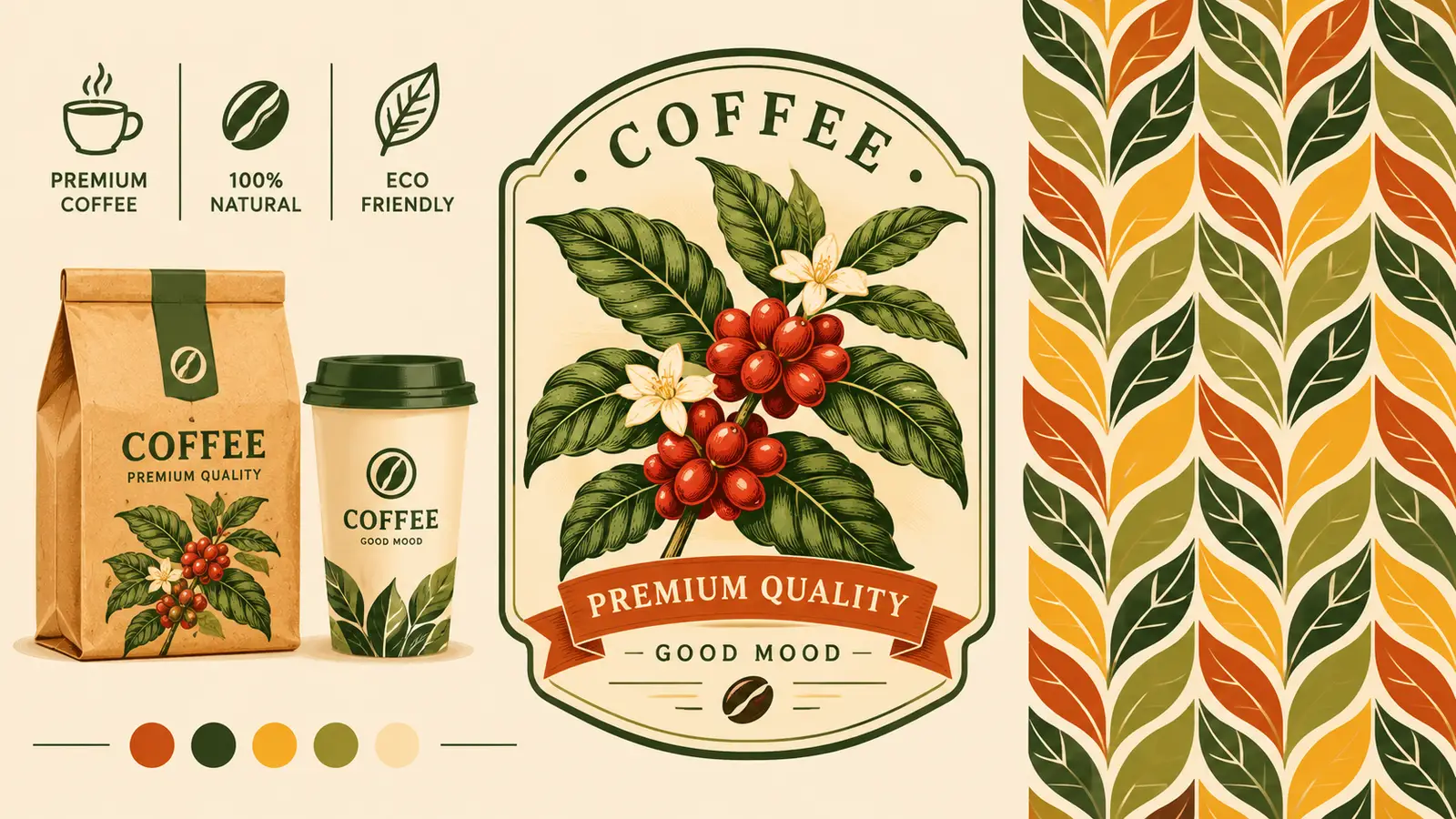
You can switch between four distinct vector creation modes depending on what your layout requires:
- Subjects: Standalone vector graphics—like a flat-style delivery scooter, a botanical coffee branch, or a vintage badge mascot—complete with clean anchor paths and zero background clutter.
- Scenes: Full background illustrations with foreground, midground, and background layers, ideal for website hero headers or editorial spot illustrations.
- Icons: Minimalist, geometric UI icons and emblems that stay sharp and legible at small pixel dimensions.
- Patterns: Seamless, repeatable vector tiles that populate straight into your Illustrator Swatches panel, ready to fill packaging interiors, textile mockups, or stationery borders without visible seams.
Discover Adobe's suite of products.
Exploring Color Palettes with Generative Recolor
Even after your vector paths are finalized, locking in the right color palette can eat up hours of production time—especially when a client asks to see how a packaging design looks in "warm autumn spice," "coastal Mediterranean morning," and "muted pastel minimalism."
Rather than clicking through hundreds of individual vector shapes to test new swatches manually, Illustrator’s Generative Recolor lets you select a complex artwork and describe a mood or color theme in plain language. Firefly instantly generates dozens of harmonious color variations applied directly to your vector paths, letting you cycle through options and export client presentation boards in minutes.
Custom Video B-Roll, Motion Elements, and Timeline Fixes
Video editors and motion designers face some of the toughest asset crunches in the creative industry. If a static graphic is missing a detail, you can paint it in. If a video clip is missing two seconds of footage at the tail end, or if you lack an establishing shot to bridge two scenes in a commercial edit, your options used to be painful: loop the clip, force a choppy slow-motion stretch, or dig through stock footage libraries hoping the camera movement and color profile vaguely match your primary footage.
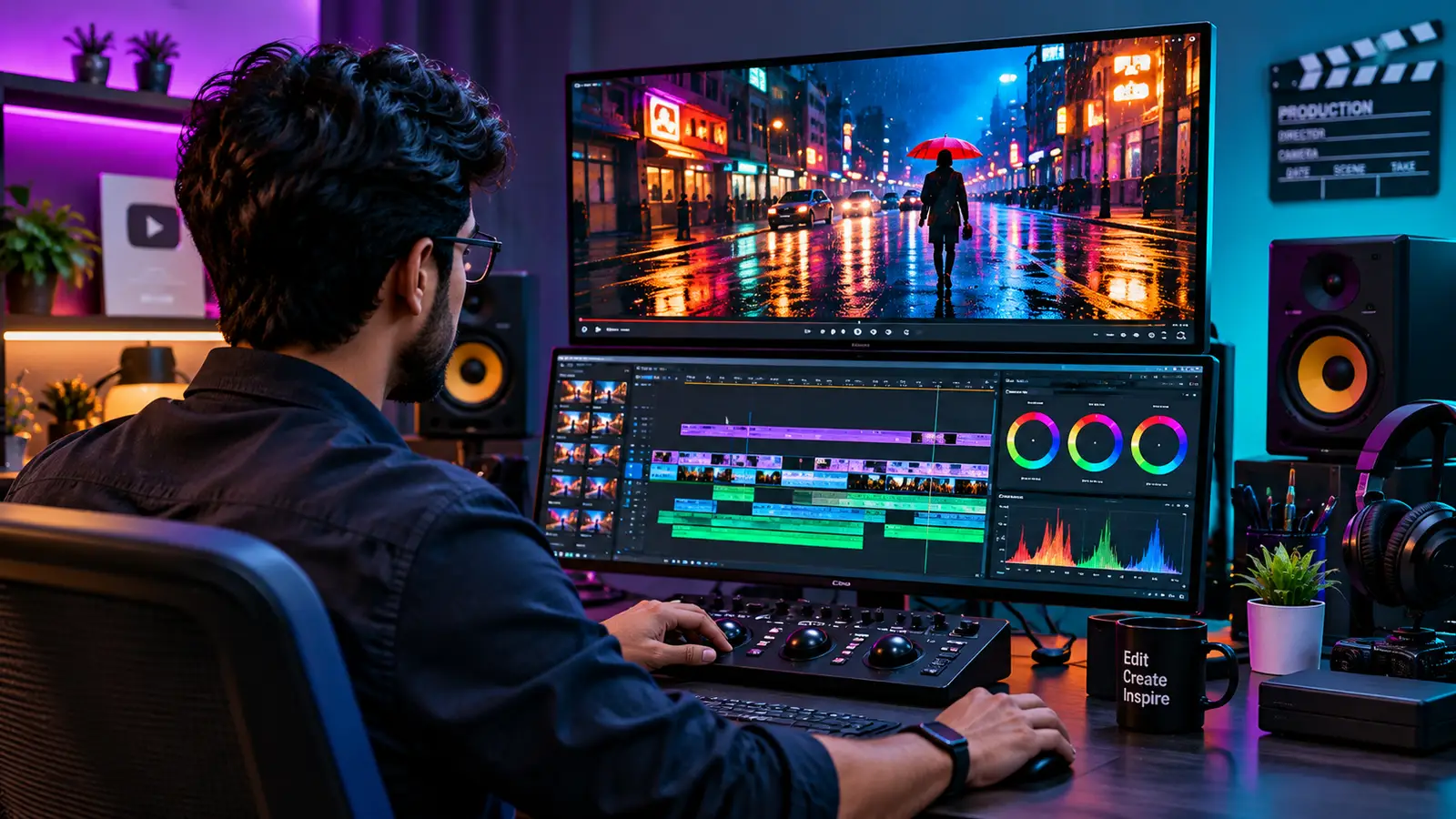
Fixing Short Clips with Generative Extend in Premiere Pro
One of the most practical video tools powered by Firefly lives directly inside the Adobe Premiere Pro timeline. Imagine you have a great interview reaction or a cinematic B-roll shot, but the camera operator cut recording half a second too early—right before the beat drops in your music track or before a title transition completes.
With Generative Extend, you simply click and drag the edge of your video clip outward on the timeline, just as you would with a standard trim tool. Firefly generates brand-new frames that continue the natural motion of the shot—keeping subtle eye movements, drifting background clouds, or smooth camera pans flowing for those extra couple of seconds. It can also extend ambient room tone and background audio effects so your sound bed never drops out abruptly under a cut.
Discover Adobe's suite of products.
Generating Custom B-Roll and Atmospheric Motion
When you need standalone video clips for social reels, pitch sizzle videos, or background visualizers, Firefly’s video generation models let you create high-definition footage from text descriptions or static reference frames:
- Text to Video: Generate supplementary B-roll—such as macro shots of espresso pouring, time-lapse clouds rolling over desert mesas, or abstract liquid animations for title cards—complete with camera motion controls like pan, tilt, zoom, and rack focus.
- Image to Video: Take a static keyframe—whether it is a client product photo or a concept illustration you generated earlier in Firefly—and bring it to life with subtle, realistic motion. You can upload a still frame of a rainy neon street or a forest campfire and direct the movement of reflections, flickering flames, and camera drift.
Expressive Typography and Rapid Social Campaigns
For social media managers, content creators, and studio designers who need to turn around high-volume marketing graphics every week, Adobe Express pairs Firefly’s generative engine with fast layout templates.
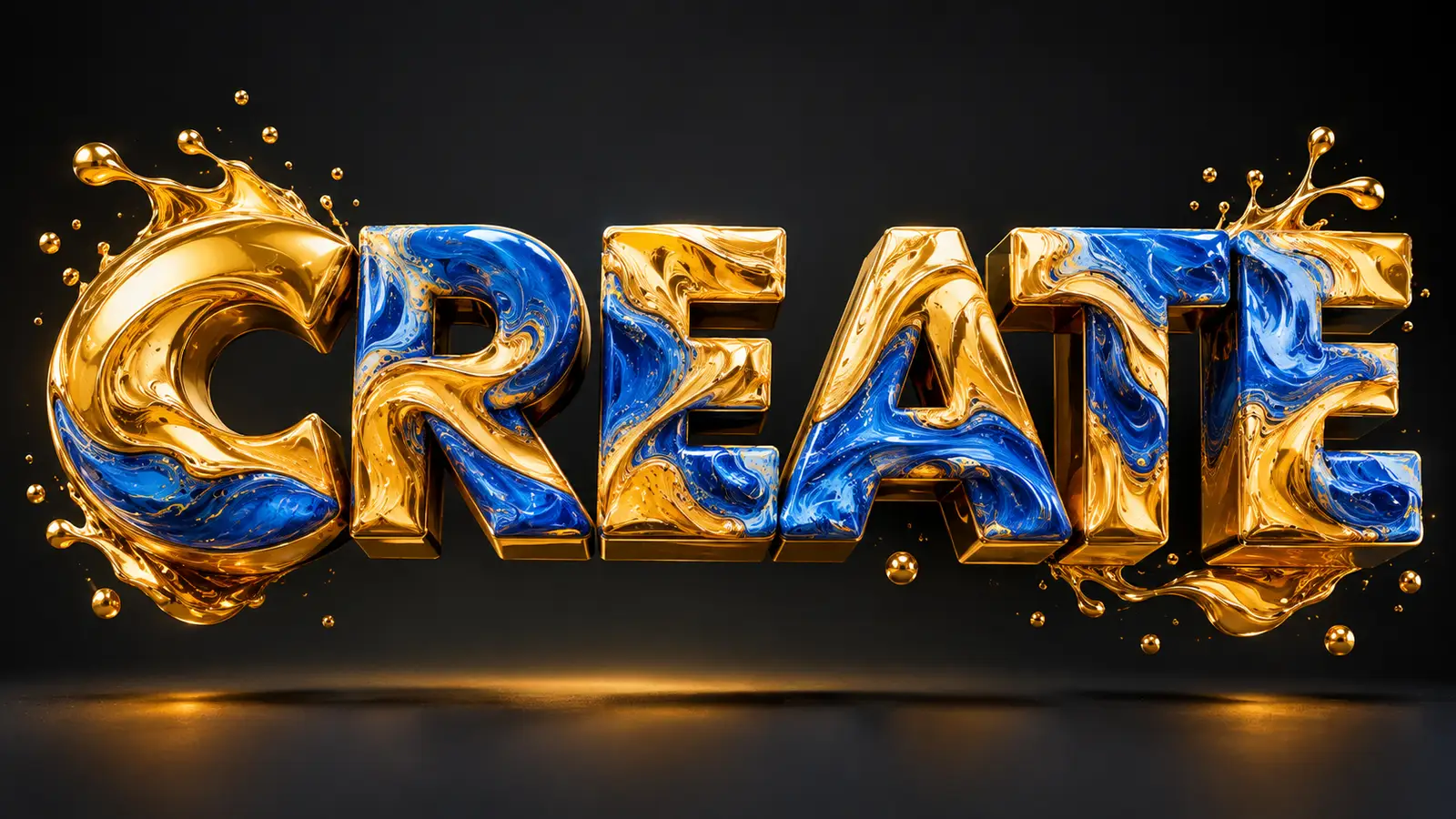
Instead of settling for flat display fonts on event posters, album covers, or YouTube thumbnails, you can use Text Effects to wrap any headline in realistic 3D textures. Whether you want bold lettering sculpted out of swirling liquid gold for a digital art showcase, toasted brioche bread for a bakery promotion, or mossy stone for an outdoor festival flyer, Firefly renders the material around the exact contours of your chosen font while keeping the text live and editable.
Within the same workspace, you can generate custom background scenes, strip away messy backdrops from product snapshots in a single click, and instantly resize a finished poster into ten different social media dimensions—using Generative Expand to fill in the surrounding borders automatically.
Discover Adobe's suite of products.
Commercial Safety Built for Client Peace of Mind
Creating eye-catching visuals is only useful if you can legally hand those deliverables over to a paying client without worrying about a copyright claim down the road. That commercial reality is the primary reason agencies and in-house brand teams standardize on Firefly over experimental open-web generators.
Adobe trained the Firefly family of models exclusively on licensed content from Adobe Stock, openly licensed materials, and public domain content where copyright has expired. It never trains on personal Creative Cloud subscriber files or scrapes artist portfolios from the wider web.
Furthermore, every asset exported from Firefly automatically receives Content Credentials—tamper-evident metadata that acts like a digital nutrition label. Anyone inspecting the file can verify when it was created, which tools were used during production, and that the generative model behind it meets commercial safety standards.
Bringing Generative Workflows Into Your Studio
The real value of Adobe Firefly is not that it replaces the creative process; it is that it clears away the mechanical friction between having an idea and seeing it on screen. You no longer have to abandon a bold layout concept just because you lack the budget for a location shoot, or spend your Friday night manually tracing vector patterns and cloning background pixels.
Whether you are pulling together a moodboard in the browser, extending a hero frame in Photoshop, generating custom icons in Illustrator, or smoothing out a tight edit in Premiere Pro, Firefly adapts to the way you already work. Pick a bottleneck in your current project—a missing texture, a tight crop, or a color palette that feels flat—and test how quickly you can build your way past it.