Business
Best AI Video Generators: Top Tools for Text-to-Video, Ads and YouTube
Producing video used to require a painful choice between time, budget, and quality.
If you wanted high-converting video ads, cinematic b-roll for a YouTube channel, or polished product explainers, you either spent days filming and editing or paid thousands of dollars to a production agency.
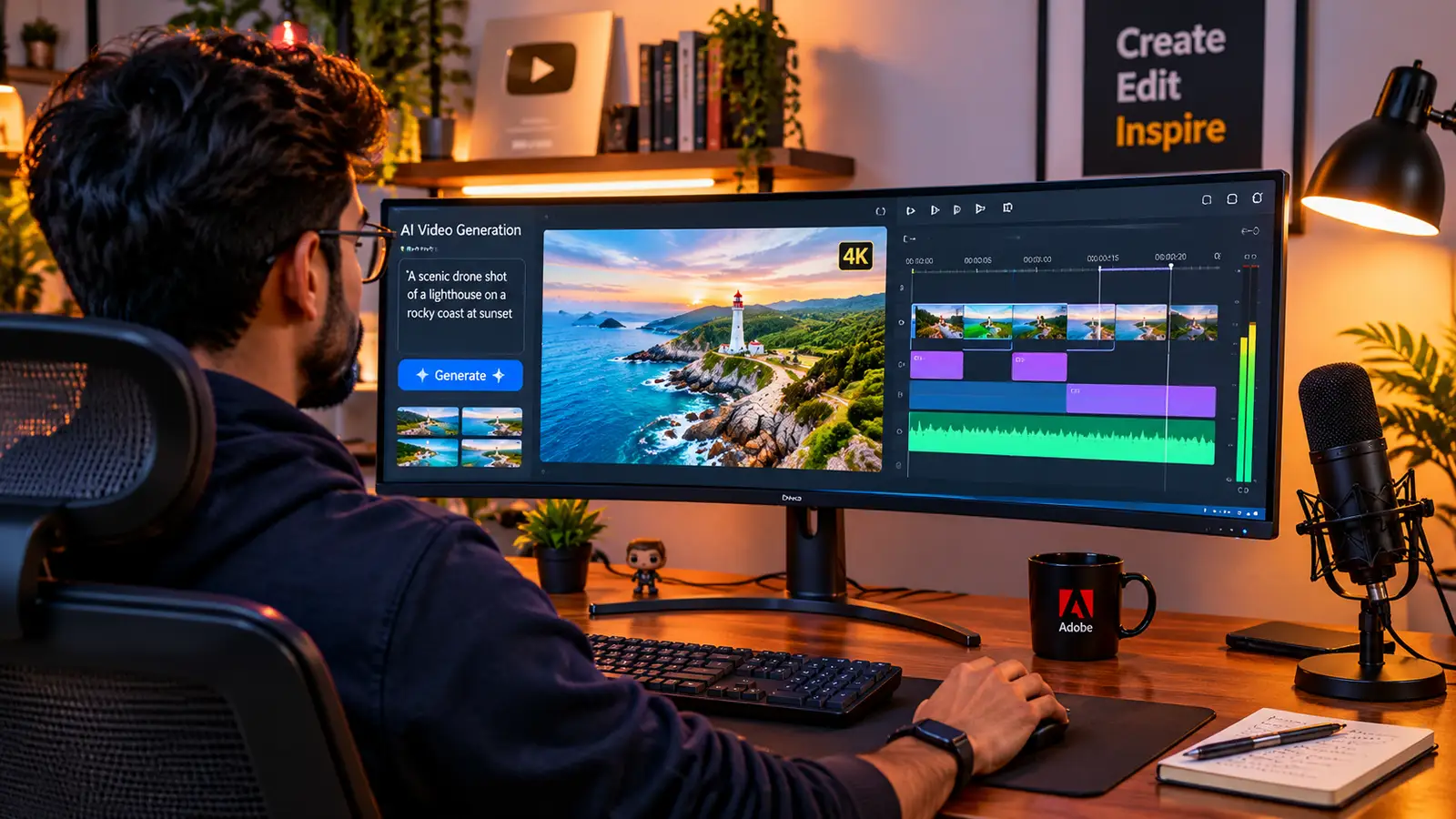
Even simple social reels meant hours of hunting through stock footage libraries for clips that barely matched your script.
Some of our links may be affiliate links and if you buy through our link, we might generate some commissions.
Today’s AI video generators have rewritten that workflow. What started a few years ago as uncanny, flickering three-second loops has matured into full-scale production engines capable of rendering realistic physics, synchronized dialogue, controlled camera movements, and complete multi-scene edits from a simple text prompt.
However, no single AI video tool does everything well. An engine built for Hollywood-style visual effects will slow you down if you just need to ship ten vertical product ads before Friday, while an automated social ad maker will fall flat if you are trying to direct a cinematic documentary opener. Choosing the right platform comes down to matching the tool to your actual deliverable. Here is a practical breakdown of the best AI video generators available right now, categorized by how they perform for raw text-to-video, paid advertising, and YouTube production.
Discover Adobe's suite of products.
Understanding the Three Core Categories of AI Video Tools
Before paying for a subscription or burning through free trial credits, it helps to separate the current landscape into three distinct tool types:
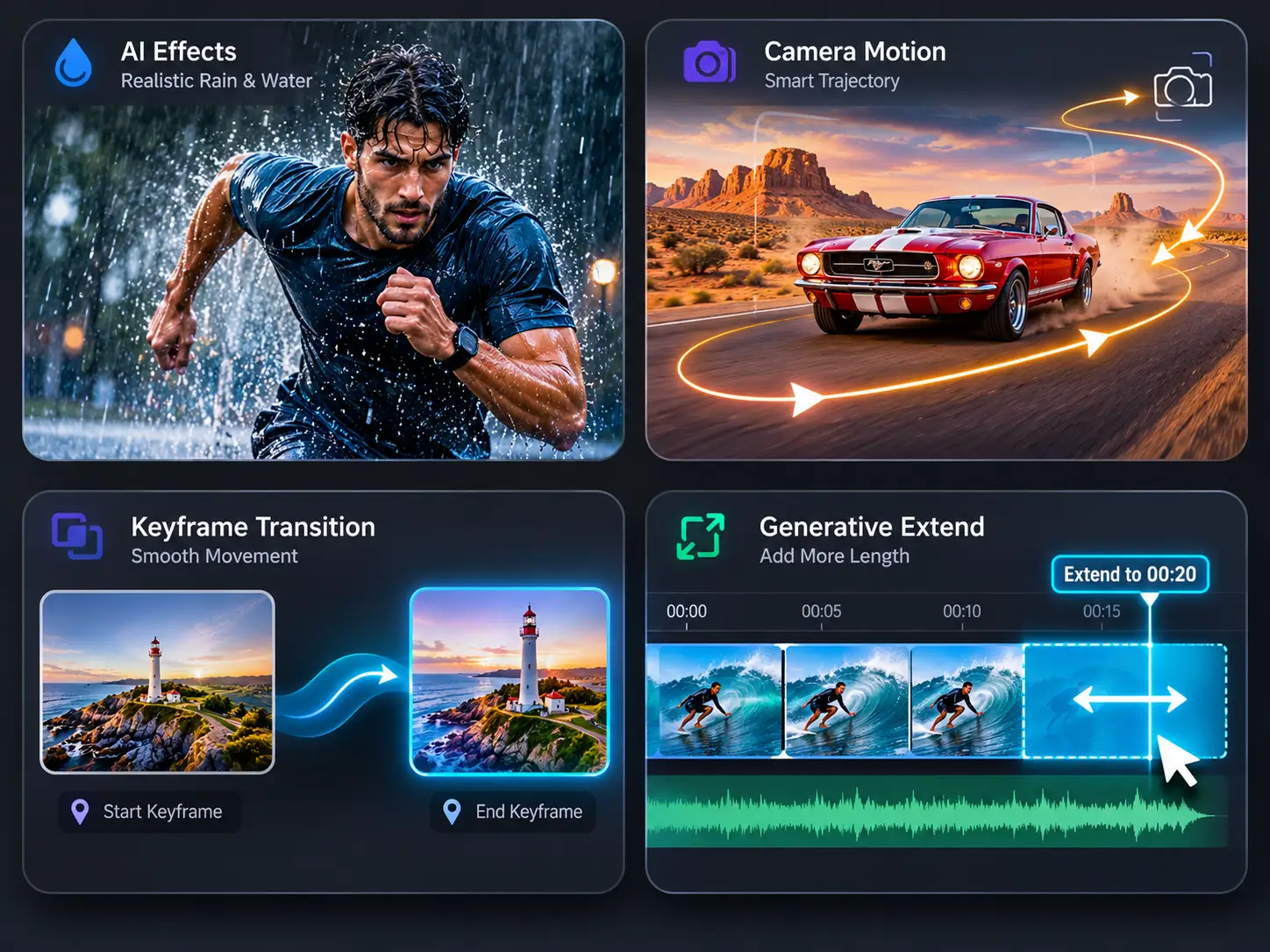
Foundational Text-to-Video & Image-to-Video Models: Platforms like Google Veo, Runway, Adobe Firefly, and Kling generate brand-new video pixels from scratch using text descriptions or reference images. They are ideal for custom b-roll, cinematic storytelling, and visual effects.
Avatar & Presenter Platforms: Tools like HeyGen and Synthesia focus on realistic human presenters, lip-syncing, and multilingual voice cloning. They replace the need to set up a camera, lights, and teleprompter for talking-head content.
Automated Script-to-Video & Ad Suites: Platforms like InVideo AI, Creatify, and OpusClip act as end-to-end production assistants. They write scripts, assemble scenes, add voiceovers, and format captions for creators who prioritize publishing volume and conversion speed.
Discover Adobe's suite of products.
Best Foundational Text-to-Video Generators for Cinematic Footage & B-Roll
When you need original footage that does not exist in any stock library—or you want to animate a static campaign image with realistic camera motion—these foundational models lead the pack.
1. Google Veo (Veo 3.1): Best for Prompt Accuracy and Synchronized Audio
Google Veo has become a go-to engine for creators who are tired of fighting with unpredictable prompt results. Accessible through Google's creative workflows, Veo stands out for how closely it follows complex camera instructions and scene descriptions on the first or second try.
Native Audio Generation: Unlike many pure visual models that output silent clips, Veo 3.1 can generate synchronized ambient sound, sound effects, and even character dialogue alongside the video frame.
Frame and Reference Control: You can guide generations using starting and ending keyframes or multiple reference images to keep visual elements grounded.
Pricing: Offers daily free credits; paid access starts around $4.99/month for Google AI Plus (200 credits) and $19.99/month for Pro (1,000 credits with no watermark).
2. Runway (Gen-4.5): Best for Filmmakers and Granular Motion Control
Runway remains a favorite among independent filmmakers, motion designers, and creative directors because it treats AI generation like a camera rig rather than a slot machine.
Directorial Toolset: Features like Motion Brush, advanced camera path controls, and generative video-to-video restyling let you dictate exactly which part of the frame moves and how fast the lens pans.
In-Context Editing: Instead of re-rolling an entire clip when one detail looks off, Runway’s editing tools let you replace backgrounds, remove objects, or expand aspect ratios directly inside its browser workspace.
Pricing: Free tier includes 125 one-time credits; the Standard plan starts around $12/month (billed annually) for 625 monthly credits and watermark-free exports.
3. Adobe Firefly Video: Best for Commercially Safe Brand Production
For agencies, corporate marketers, and freelance editors working with strict client contracts, copyright safety is just as important as visual quality. Adobe Firefly’s video model is trained on licensed Adobe Stock content and public domain materials, making it safe for commercial advertising.
Premiere Pro & Workflow Integration: Beyond generating standalone five-second clips from text or still images in the web app, Firefly powers Generative Extend inside Premiere Pro—allowing editors to add extra frames to the end of a clip that was cut too short on set.
Built-In Content Credentials: Exported clips carry cryptographic metadata verifying how the asset was generated, keeping legal teams happy during client handoff.
Pricing: Free plan with limited monthly generations; Firefly Standard starts at $9.99/month for 2,000 generative credits.
Discover Adobe's suite of products.
Best AI Video Tools for High-Converting Ads and E-Commerce
Performance marketers and small business owners rarely have time to stitch individual five-second b-roll clips together by hand. When the goal is testing hooks, showcasing physical products, and driving clicks on Meta, TikTok, or YouTube Shorts, specialized ad generators handle the heavy lifting.
1. Creatify & Zeely AI: Best for Instant URL-to-Product Video Ads
If you run an e-commerce store on Shopify, Amazon, or WooCommerce, URL-to-video tools eliminate the production bottleneck entirely.
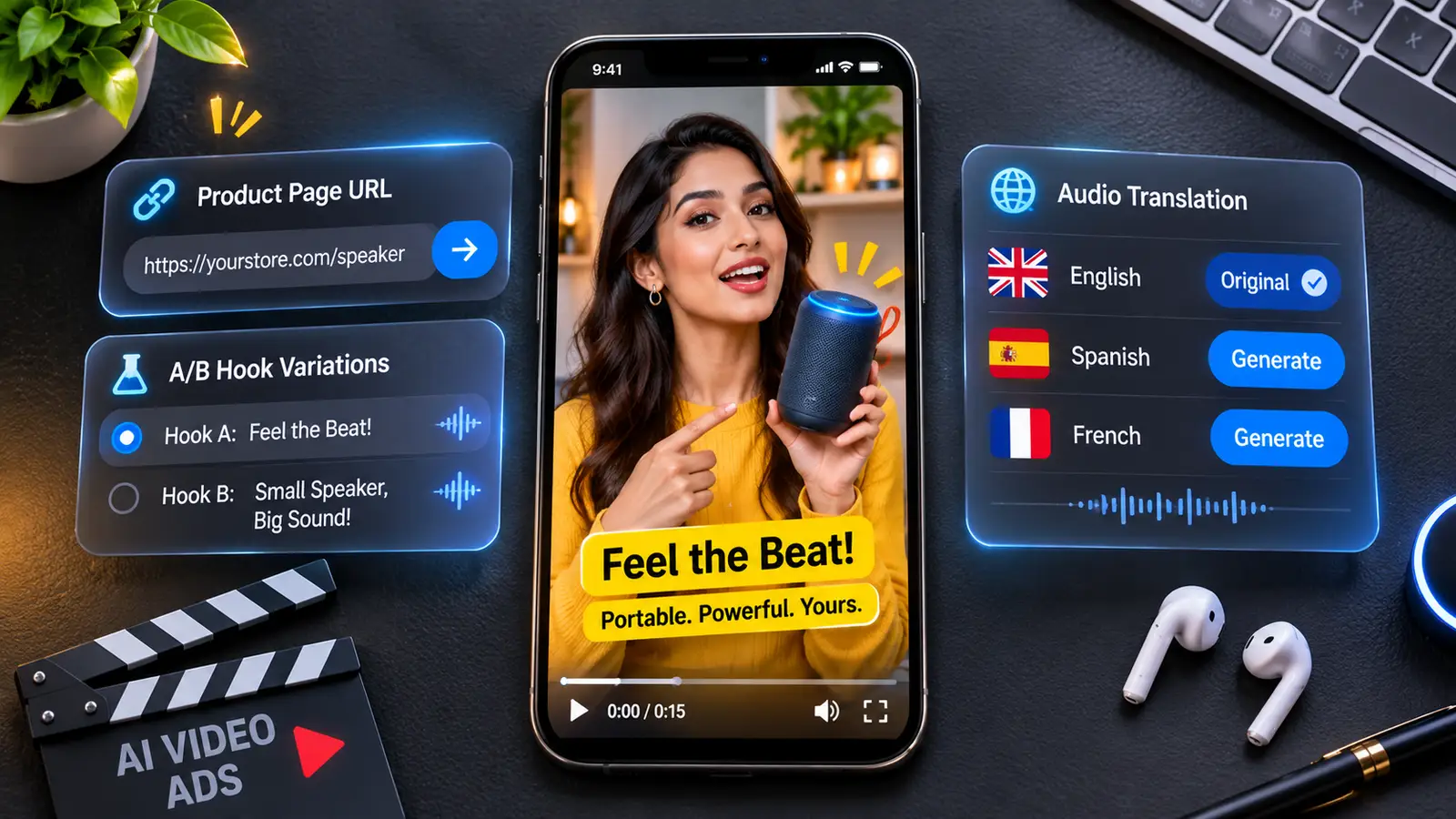
Automated Product Pulling: Paste your product page link into Creatify or Zeely, and the tool automatically extracts your product photos, pricing, and key benefits.
Batch Ad Variations: The platform writes multiple direct-response marketing hooks, pairs your product visuals with realistic UGC-style (User-Generated Content) digital presenters, adds dynamic captions, and exports 5 to 10 ad variations sized for vertical and square placements.
Pricing: Creatify offers a limited free tier with watermarked exports, with paid plans scaling based on monthly credit volume.
2. HeyGen: Best for Talking-Head Presenters and Global Ad Localization
Putting a human face on screen remains one of the best ways to build trust in video advertising and product explainers, but booking studio time for every script tweak is impractical.
Avatar V & Digital Twins: HeyGen lets you choose from hundreds of stock presenters or record a 15-second clip of yourself to build a custom digital twin that speaks your script with natural facial micro-expressions.
175+ Language Localization: You can take a single winning English video ad and translate it into Spanish, German, Japanese, or Hindi while preserving your original vocal tone and syncing the speaker's lip movements to the new language.
Pricing: Free tier available for basic testing; Creator plan starts at $29/month, with Pro tiers starting at $49/month for 4K exports and higher avatar credit limits.
3. Pika (Pika 2.5): Best for Eye-Catching Social Effects
Stopping the scroll on social feeds often requires a visual surprise. Pika 2.5 specializes in stylized animations and playful visual effects (Pikaffects)—like inflating, melting, or crushing product objects on screen—alongside a Modify Region tool that lets you swap out specific props in a video without re-rendering the whole frame.
Discover Adobe's suite of products.
Best AI Video Generators for YouTube Creators (Long-Form & Shorts)
Running a growing YouTube channel—whether it is a faceless documentary channel, a tech review hub, or a brand education series—requires relentless consistency. These tools streamline scripting, b-roll assembly, and short-form repurposing.
1. InVideo AI: Best All-in-One Prompt-to-Video Engine for Faceless Channels
For creators building faceless YouTube channels, explainer videos, or listicles, InVideo AI turns a single text prompt into a complete, multi-minute draft.
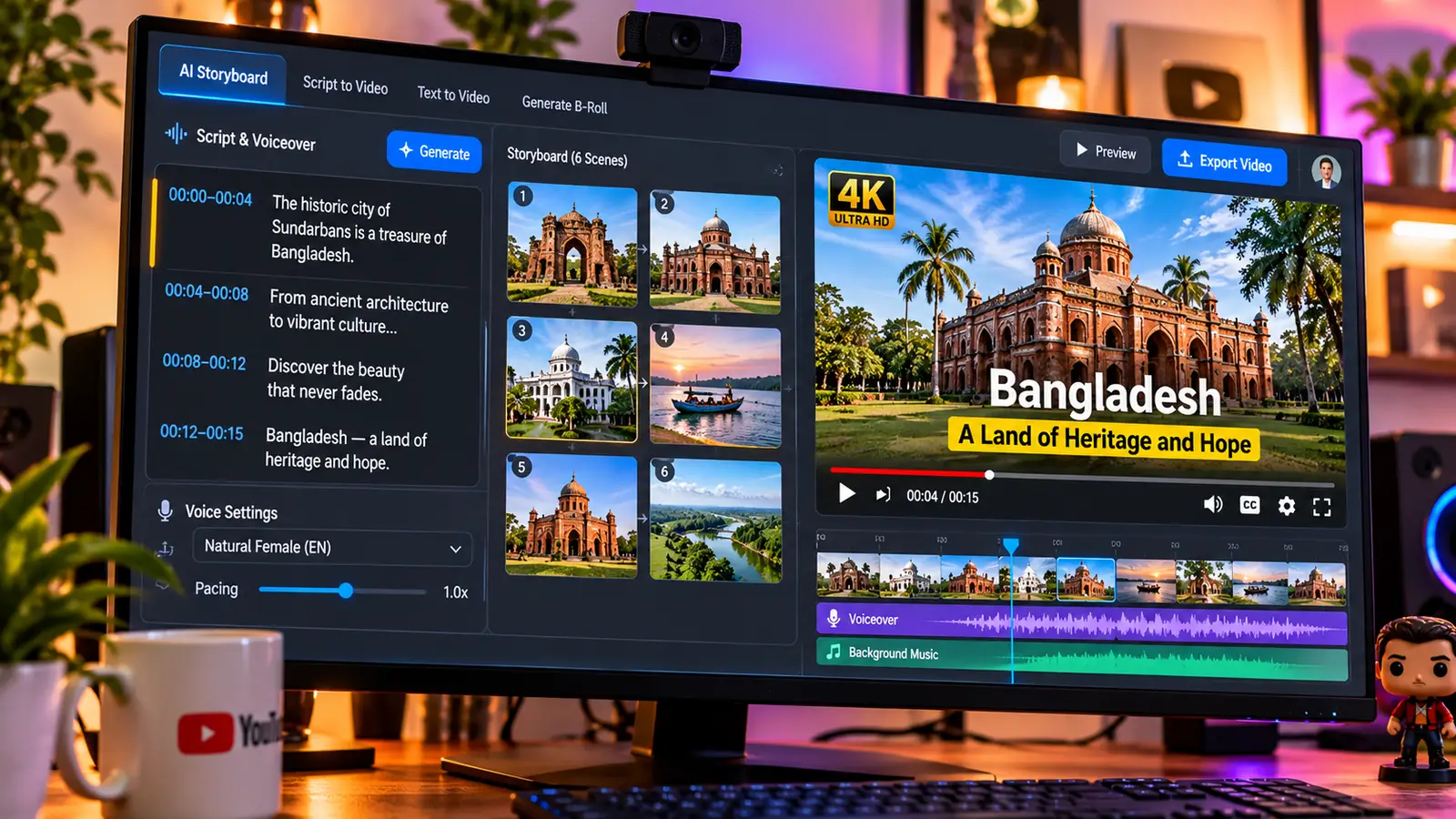
Full-Pipeline Automation: Type in your topic, target length, voiceover accent, and pacing style. InVideo AI writes the script, pulls relevant stock and generative b-roll, records a natural-sounding AI voiceover, lays down background music, and burns in subtitles.
Text-Command Editing: Instead of dragging clips around a complex timeline, you can edit the rough cut using plain text commands like "Delete scene 3," "Change the voiceover to a British male," or "Replace the intro clip with a close-up of a circuit board."
Pricing: Free tier available with watermarks; paid plans start around $10 to $30/seat/month depending on generative model access.
2. LTX Studio: Best for Storyboarding Narrative YouTube Videos
When you are planning a structured narrative video, a mini-documentary, or a scripted brand story, jumping straight into video generation often leads to disjointed shots. LTX Studio bridges scriptwriting and video generation through an interactive storyboard interface. You can lock in character profiles, define camera framing shot by shot, and preview an entire sequence before committing credits to final motion renders. Paid plans start around $12/month after a free trial.
3. OpusClip & Descript: Best for Editing and Repurposing Long-Form Videos
If you already film long-form podcasts, tutorials, or interviews, two AI-powered tools save hours in post-production:
OpusClip: Drop in a link to a 45-minute YouTube video, and OpusClip automatically identifies the most engaging hooks, reframes the speaker into a vertical 9:16 layout with active face tracking, adds animated captions, and scores each clip on its viral potential (Starter plans around $15/month).
Descript: Lets you edit video simply by editing a text transcript. Delete a sentence from the document, and Descript cuts the corresponding footage from the timeline—while also removing filler words ("um," "uh") and fixing eye contact with one click (Hobbyist plan around $16/month).
Discover Adobe's suite of products.
Side-by-Side Comparison: Choosing the Right AI Video Generator
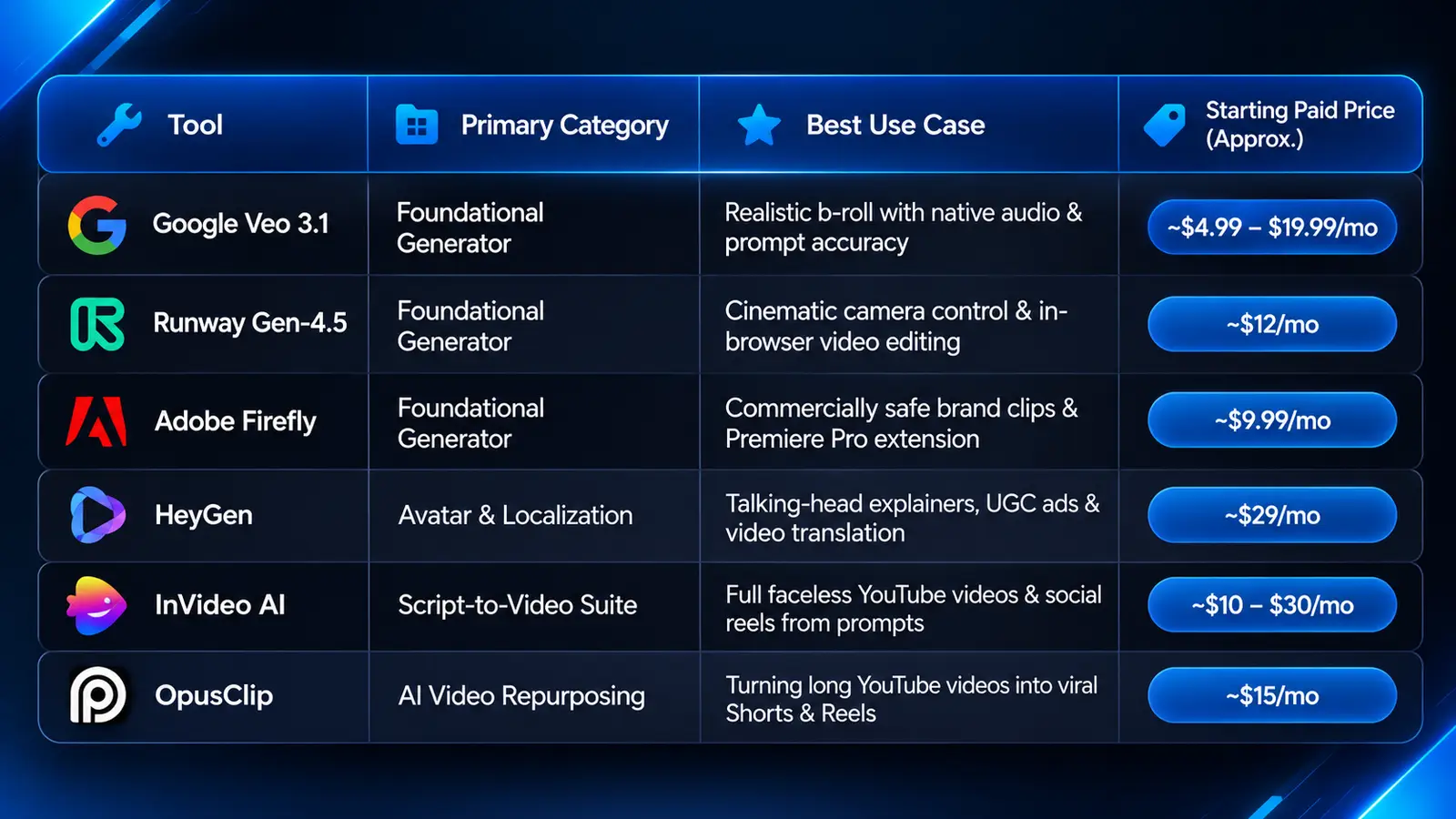
Because pricing tiers, credit consumption, and model versions evolve rapidly, use the baseline comparison below to match your primary use case to the right platform.
A Practical Workflow: Combining Tools for Maximum Quality
The most effective video creators rarely rely on a single platform from start to finish. Relying 100% on an automated script-to-video tool can make your channel look generic, while trying to build a ten-minute YouTube video purely out of five-second Runway generations will burn through your budget in an afternoon.
Instead, combine specialized tools into a hybrid production pipeline:
Script & Structure: Draft your core hook and narrative outline yourself so the pacing and perspective sound genuinely human.
A-Roll or Voiceover: Record your own voiceover (or use HeyGen / Descript for consistent narration and talking-head segments).
Custom Hero B-Roll: Use Google Veo, Runway, or Adobe Firefly to generate 4 to 5 high-impact, custom visual shots for your opening hook and key transitions—the moments where viewer retention matters most.
Assembly & Captions: Bring your voiceover, stock footage, and custom AI b-roll into Premiere Pro, CapCut, or Descript to tighten the cuts, add sound design, and burn in clean captions.
Discover Adobe's suite of products.
Common Mistakes to Avoid When Producing AI Video
Trying to Cram Too Much Action Into One Prompt: Foundational video models struggle when you ask for five people talking in a crowded street while the camera zooms out. Keep each prompt focused on one clear subject, one camera movement, and one lighting mood, then cut multiple simple shots together like a real film editor.
Ignoring Credit Burn Rates: High-resolution 4K renders and custom digital avatars consume monthly credits fast. Always test your prompts and framing at standard resolution or using still image previews first before paying for final high-bitrate video renders.
Skipping Sound Design: Even with models that generate native audio, raw AI video often feels weightless without layered sound. Adding a subtle room tone, a low music bed, and crisp transition whooshes in your editing software immediately makes AI-generated b-roll feel grounded and professional.
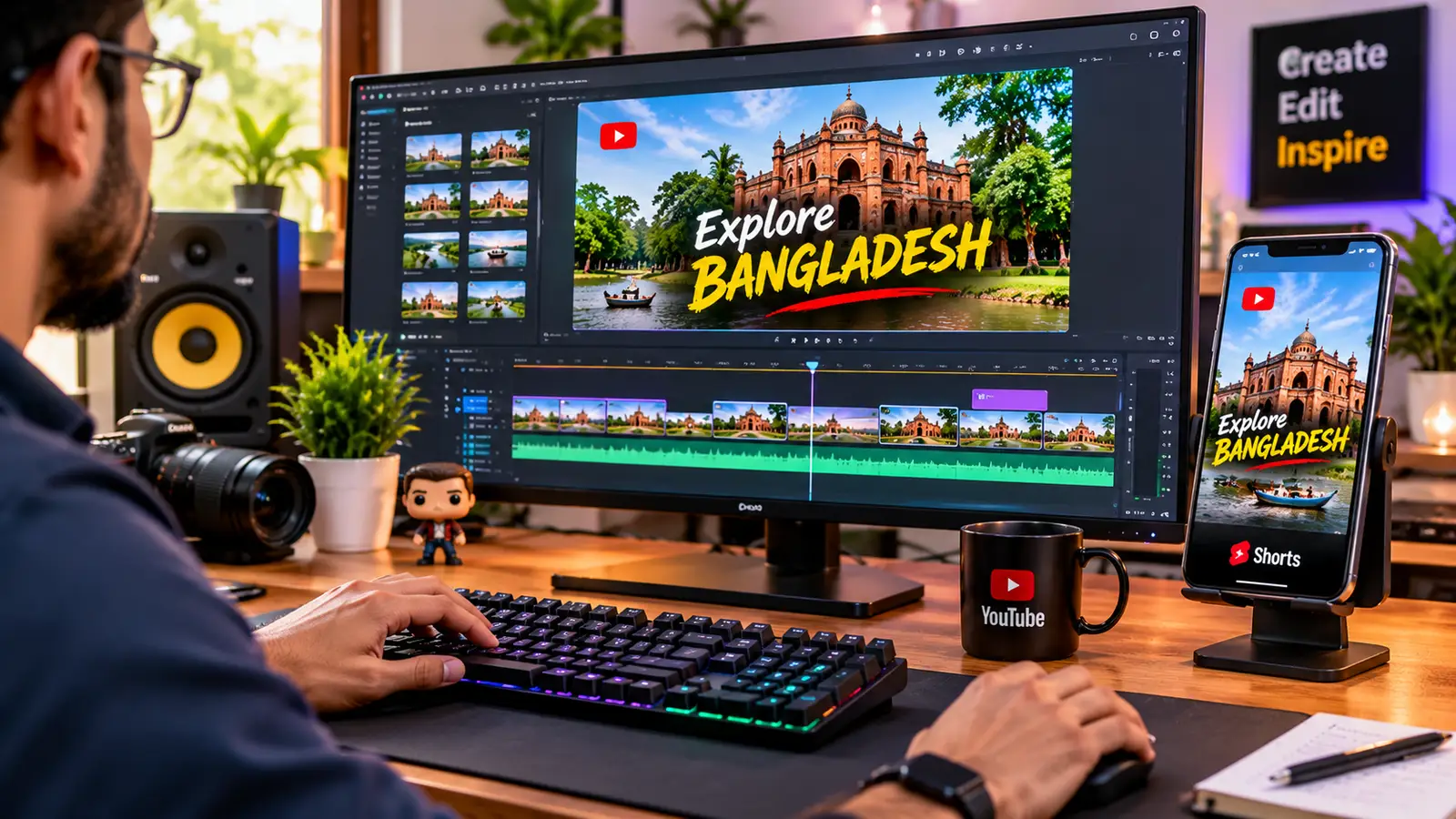
AI video generators have moved well beyond experimental tech demos into dependable daily production tools. Whether you are using Google Veo and Runway to craft cinematic b-roll, Adobe Firefly to keep client campaigns commercially safe, or HeyGen and InVideo AI to scale your ad testing and YouTube publishing schedule, the key is treating these models as your production crew rather than your creative director. Pick the tool that solves your biggest weekly bottleneck, lock in your visual style, and focus your energy on telling stories that hold your audience's attention.