
Welcome to my gaming blog! I'm The Gaming Hub, a passionate gamer, and experienced writer dedicated to providing you with top-notch gaming content. From comprehensive game reviews to helpful tips, gaming accessories, and industry news, I cover it all. With a focus on SEO optimization, my articles are designed to captivate readers while delivering valuable insights. Stay tuned for engaging storytelling, accurate research, and up-to-date information on the latest gaming trends. Join me on this exciting journey as we delve into the immersive world of video games and unlock new gaming adventures together!
Subscribe
Best Free AI Image Generators: Features, Limits, and Commercial Use
The era of free AI image generators producing laughable six-fingered hands, distorted faces, and chaotic plastic textures is long gone.
Today’s free generative models can render photorealistic portraits, cinematic lighting, nuanced digital illustrations, and legible typography on par with high-end commercial photo shoots.
Some of our links may be affiliate links and if you buy through our link, we might generate some commissions.
However, in professional design, digital marketing, and content publishing, the word "free" always comes with fine print. A tool might let you generate twenty stunning images a day, but if its terms of service claim ownership over your outputs, forbid monetized use, or publicly index your private client briefs on a searchable community wall, that tool becomes a liability rather than an asset.
For freelancers, agencies, and small business owners, choosing an AI generator is not just about which algorithm makes the prettiest picture. It is about understanding generation allowances, resolution caps, data privacy, and legal commercial viability. Here is a comprehensive, fluff-free guide to the best free AI image generators available right now, detailing their core strengths, daily bottlenecks, and commercial rights.
Discover Adobe's suite of products.
Defining "Commercial Use" in the Generative Era
Before examining individual platforms, it is critical to clarify what commercial use actually means under modern platform agreements. In simple terms, commercial use refers to any application where an image directly or indirectly drives revenue, business engagement, or financial gain. This includes:
Marketing & Advertising: Meta ads, Google display banners, promotional email newsletters, and landing pages.
Client Deliverables: Website visual assets, branding materials, corporate presentation decks, and packaging concepts.
Merchandise & Physical Goods: Print-on-demand products like t-shirts, stickers, mugs, wall art, and book covers.
Monetized Content: YouTube video thumbnails, digital products, e-book illustrations, and game textures.
Many platforms adopt a freemium model where generation is free for personal exploration, but the commercial rights are gated behind a paid subscription. Deploying free-tier assets into client projects without verifying the platform’s licensing terms creates significant legal exposure.
1. Ideogram (Ideogram 3.0): The Gold Standard for Typography and Print
Rendering accurate, readable text inside an image has historically been the primary weakness of generative models. Ideogram solved this bottleneck, establishing itself as the go-to tool for graphic designers, poster artists, and apparel creators.
Core Capabilities and Design Strengths
Ideogram excels at combining stylized art direction with coherent typographic layouts. You can request complex text strings—such as retro badge logos, event posters, or vintage signage—and the engine renders the words with correct spelling, deliberate font pairing, and dimensional styling. It also features a dedicated Style Tags module, allowing you to force specific aesthetics like editorial illustration, graffiti, 3D lettering, or risograph printing.
Free Limits and Platform Caps
Daily Allowance: 10 slow/standard priority credits refreshed daily (generating roughly 10–20 visual variations).
Feature Access: Access to core generation models and basic aspect ratio toggles.
The Caveats: Free-tier queue times can spike during peak traffic hours. Furthermore, all generations created on the free tier are publicly visible and searchable on Ideogram’s community feed.
Commercial Viability on the Free Tier
Permitted. Ideogram’s terms of service explicitly permit commercial utilization of assets generated on the free tier. You own the rights to monetize your outputs for print-on-demand apparel, marketing banners, and web graphics. However, because free-tier generations are publicly indexed, competitors or other users can view, clone, and remix your prompts and outputs.
Discover Adobe's suite of products.

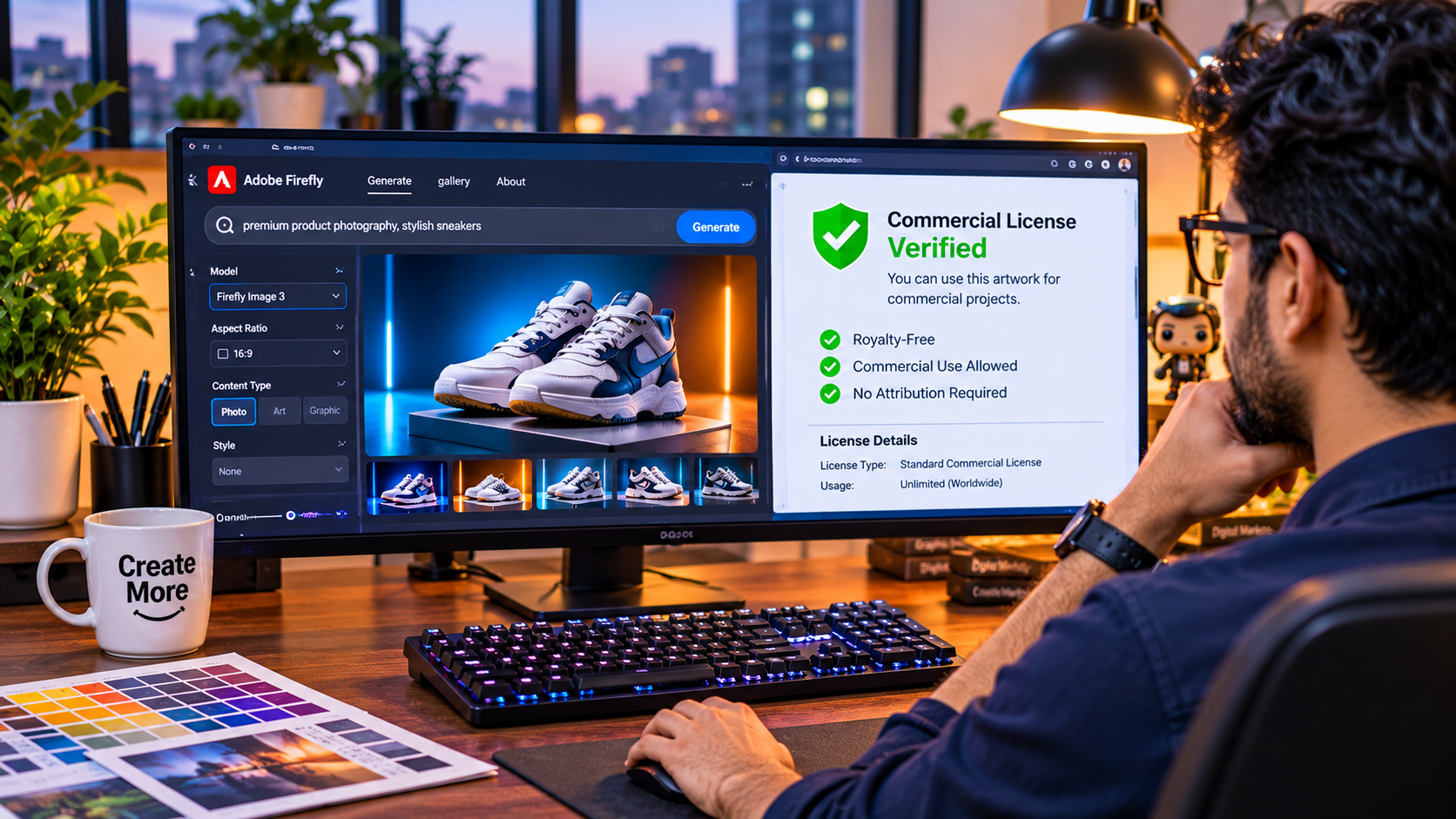
2. Adobe Firefly: The Enterprise Choice for Legal Safety
For working designers and corporate agencies, Adobe Firefly represents the most legally dependable generative engine on the web. Rather than scraping unvetted art from across the internet, Adobe built Firefly specifically to resolve copyright liability.
Core Capabilities and Design Strengths
Firefly operates through clean, intuitive controls rather than complex coding prompts. Designers can use dedicated toggles for camera perspective (macro, wide-angle, low-angle), shutter speed, aperture depth, and atmospheric lighting (golden hour, studio softbox, dramatic chiaroscuro).
Its two most powerful production features are Structure Reference (which uses a rough line drawing or wireframe to force the generated layout to follow strict geometry) and Style Reference (which extracts the color grading, contrast, and texture from a sample photo and applies it across new assets for campaign consistency).
Free Limits and Platform Caps
Daily Allowance: A recurring allotment of free generative credits tied to any free Adobe account, resetting monthly.
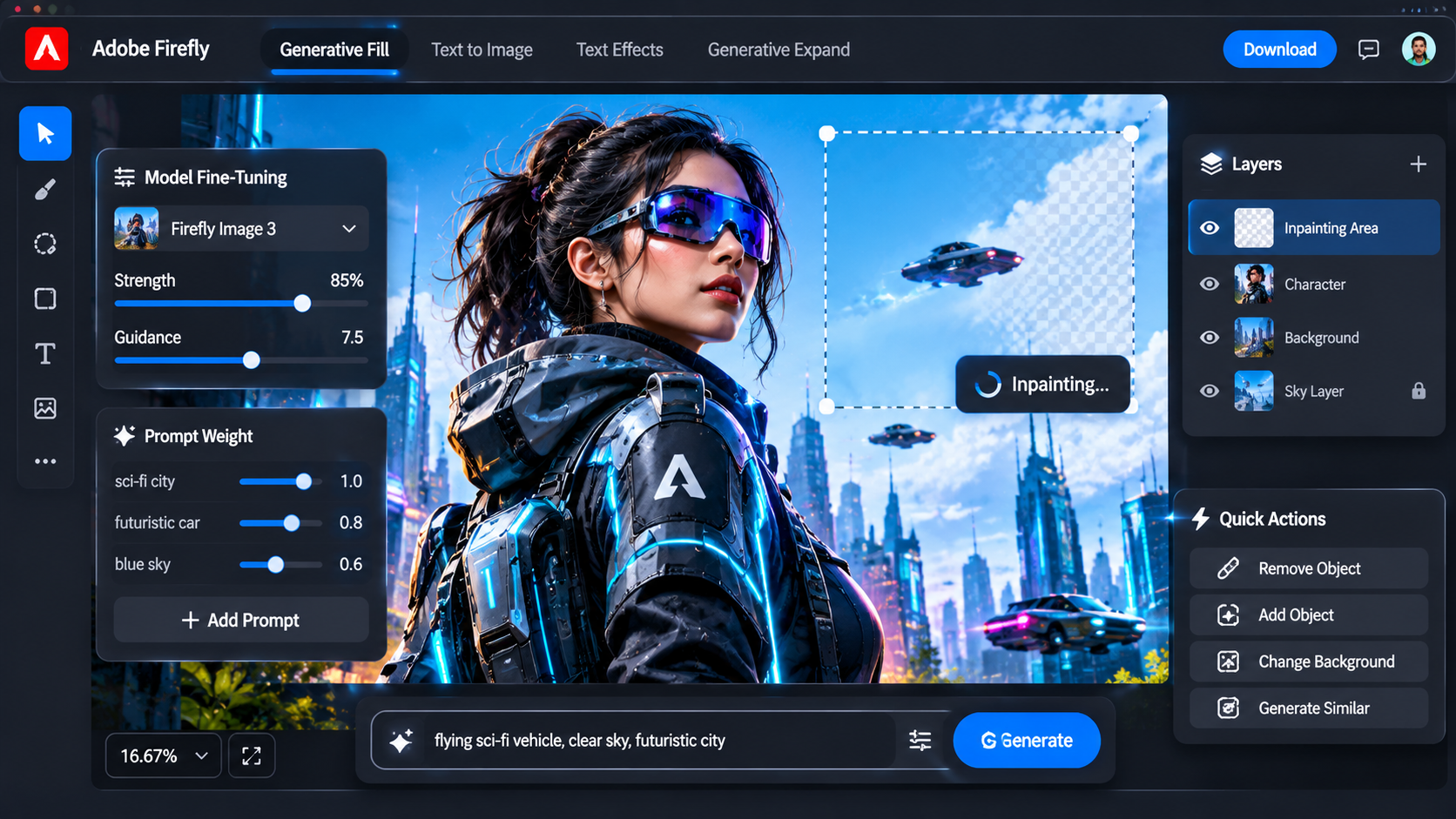
Feature Access: Access to the Text to Image module, Text to Vector, Generative Fill, and Generative Expand via the Firefly web application.
The Caveats: When monthly free credits are exhausted, generation speeds drop, or users must wait for the next monthly billing cycle to refill their balance.
Commercial Viability on the Free Tier
Permitted with standard terms. Assets generated using Firefly’s free web tier are covered under Adobe’s commercial terms, meaning you can legally use them in client mockups, social campaigns, and digital publishing. Every exported asset carries embedded Content Credentials—cryptographic metadata verifying that the asset was generated ethically using Firefly. Enterprise IP indemnification, however, is reserved for paid Creative Cloud enterprise plans.
3. Leonardo AI: The Versatile Multi-Model Canvas
Leonardo AI is one of the most comprehensive generative platforms available, offering a full suite of fine-tuned models, canvas editing, and prompt manipulation tools.
Core Capabilities and Design Strengths
Rather than relying on a single engine, Leonardo hosts multiple proprietary and community models, including Leonardo Phoenix, Alchemy pipelines, and specialized anime or architectural models. Its standout feature is the AI Canvas, an interactive workspace where creators can perform inpainting (erasing and replacing parts of an image) and outpainting (expanding borders) on a non-destructive layer system.
Free Limits and Platform Caps
Daily Allowance: 150 fast tokens that automatically refill every 24 hours.
Feature Access: Generates approximately 15 to 30 image batches depending on whether advanced features like Alchemy or upscalers are toggled on.
The Caveats: Advanced settings consume tokens quickly. Generating at higher resolutions or using the fine-tuned photorealism engines burns through the 150 daily tokens in a handful of clicks.
Commercial Viability on the Free Tier
Ambiguous / Platform-Shared. Leonardo’s terms state that users own the images they create. However, under the free tier, you grant Leonardo an irrevocable, worldwide, royalty-free license to use, reproduce, modify, and publicly display your creations. Furthermore, all free-tier images are added to the public search database. If you are developing proprietary client concepts or unreleased product designs, the free tier presents an intellectual property confidentiality risk.
Discover Adobe's suite of products.
4. Microsoft Designer & Copilot Image Creator: High Volume With Strict Commercial Limits
Powered by OpenAI’s DALL-E architecture alongside proprietary Microsoft fine-tuning, Microsoft Copilot Image Creator is arguably the most accessible free generator in the world.
Core Capabilities and Design Strengths
Integrated directly into Microsoft Edge and standalone web portals, this tool excels at conversational prompting. You can speak to it in plain English, describe complex multi-subject interactions, and rely on the underlying natural language model to interpret your intent accurately. It handles diverse artistic styles, from whimsical watercolor illustrations to photorealistic food photography.
Free Limits and Platform Caps
Daily Allowance: 15 "Boosts" per day for rapid generation. Once boosts are depleted, generation continues at a slower queue speed without hard daily cutoffs.
Feature Access: Fast four-image batches at standard square resolution (1024x1024).
The Caveats: Lacks advanced layout controls. You cannot upload structure references, control camera parameters manually, or choose specific aspect ratios natively inside the basic tool.
Commercial Viability on the Free Tier
Strictly Non-Commercial / Personal Use Only. This is where many creators stumble. Microsoft’s consumer terms of service explicitly state that Copilot Image Creator is provided strictly for personal, non-commercial enjoyment. Using outputs from Microsoft Designer/Copilot for client deliverables, monetized YouTube videos, paid social ads, or print-on-demand stores constitutes a direct violation of their terms of service. It is an exceptional sandbox for prototyping and personal moodboards, but unusable for commercial handoff.
5. Local Open-Weight Models (FLUX.2 & Stable Diffusion): Total Independence
For creators with dedicated desktop hardware, running open-weight models locally completely changes the economics of generative design.
Core Capabilities and Design Strengths
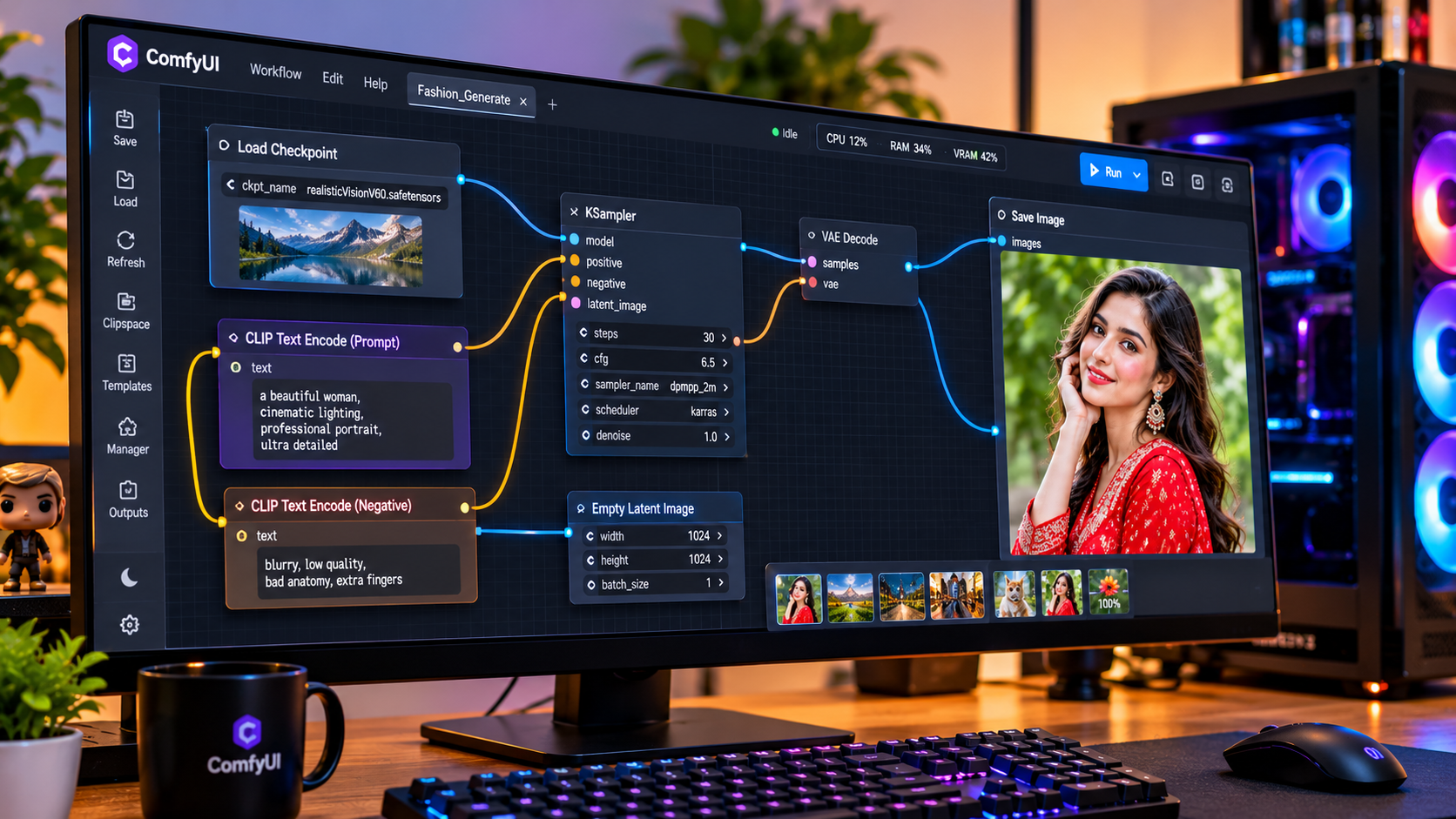
By installing open-source interfaces like ComfyUI or Forge WebUI, you tap directly into cutting-edge open weights such as the FLUX family and Stable Diffusion 3.5. Local generation gives you absolute control over sampling steps, guidance scales, ControlNet rigging, custom LoRA styles, and local upscaling algorithms without hitting a single corporate paywall.
Hardware Requirements and Setup
Running modern models locally requires a solid PC setup:
GPU: Minimum 8GB–12GB VRAM (NVIDIA RTX 3060, 4070, or higher recommended for fast generation).
RAM & Storage: 16GB–32GB system RAM and fast NVMe SSD storage for storing multi-gigabyte checkpoint files.
Setup Complexity: Requires basic technical comfort with installing Python, Git, and interface environments.
Commercial Viability
Unrestricted Commercial Autonomy. When running permissive open-weight models like FLUX Klein (under Apache 2.0) or Stable Diffusion (under Community Licenses permitting commercial revenue up to $1M/year), you maintain 100% legal ownership of your outputs. There are no credit limits, no subscription fees, no content filters, and zero data leakage—your prompts and client assets never touch a third-party cloud server.
Discover Adobe's suite of products.
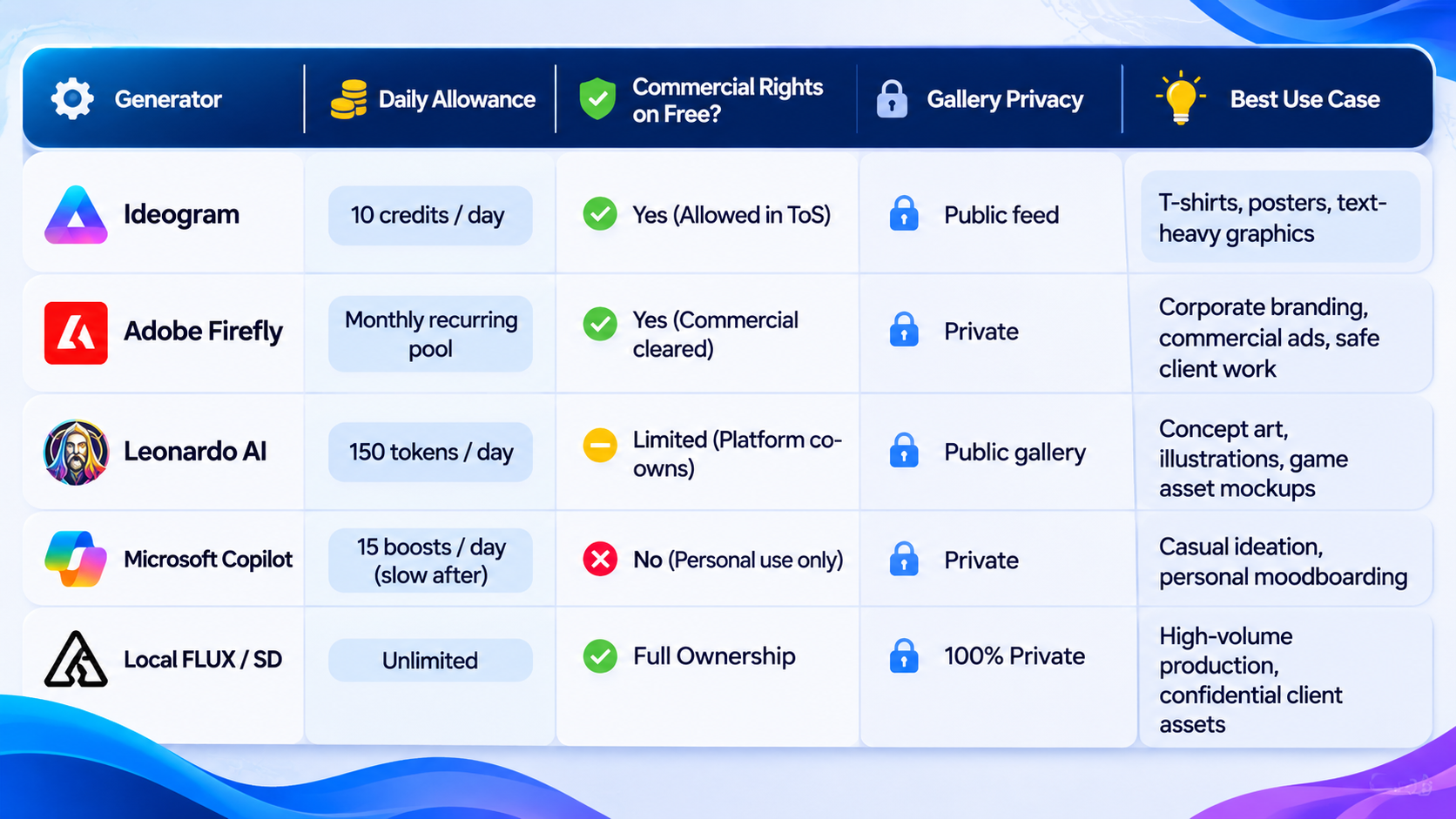
Strategic Feature & Licensing Comparison
Use this breakdown to quickly match your project's legal requirements and visual needs to the right free platform.
Three Costly Pitfalls to Avoid on Free Tiers
Operating successfully on free generative platforms requires navigating three recurring operational traps:
1. The Public Feed Privacy Leak
Platforms like Ideogram and Leonardo AI subsidize their free tiers by populating their public discovery feeds with free generations. If you paste a proprietary client brief, unreleased product name, or sensitive packaging copy into a free prompt bar, that concept is immediately exposed to public view and reverse-image search. For sensitive commercial campaigns, stick to private local models or enterprise-cleared tools like Adobe Firefly.
2. Resolution Downscaling and Compression
Free tiers frequently output at standard display resolutions (typically 1024x1024 pixels) using moderate compression. While this looks sharp on a mobile screen, it will fall apart when printed onto a physical packaging box or rendered on a 4K display. Always plan to run your final approved assets through a free desktop upscaler (such as Upscayl) to restore crisp edges and print-ready 300 DPI resolution.
3. Relying on Single-Prompt Perfection
A common way creators burn through limited daily credits is rewriting an entire prompt ten times to fix one minor flaw. Instead, learn to combine tools. Use Firefly to establish your lighting and composition, export the image, and bring it into your local image editor to drop in real brand logos or retouch details manually. Treating AI as a base-layer generator rather than a final design finisher stretches your free credits significantly further.
Discover Adobe's suite of products.
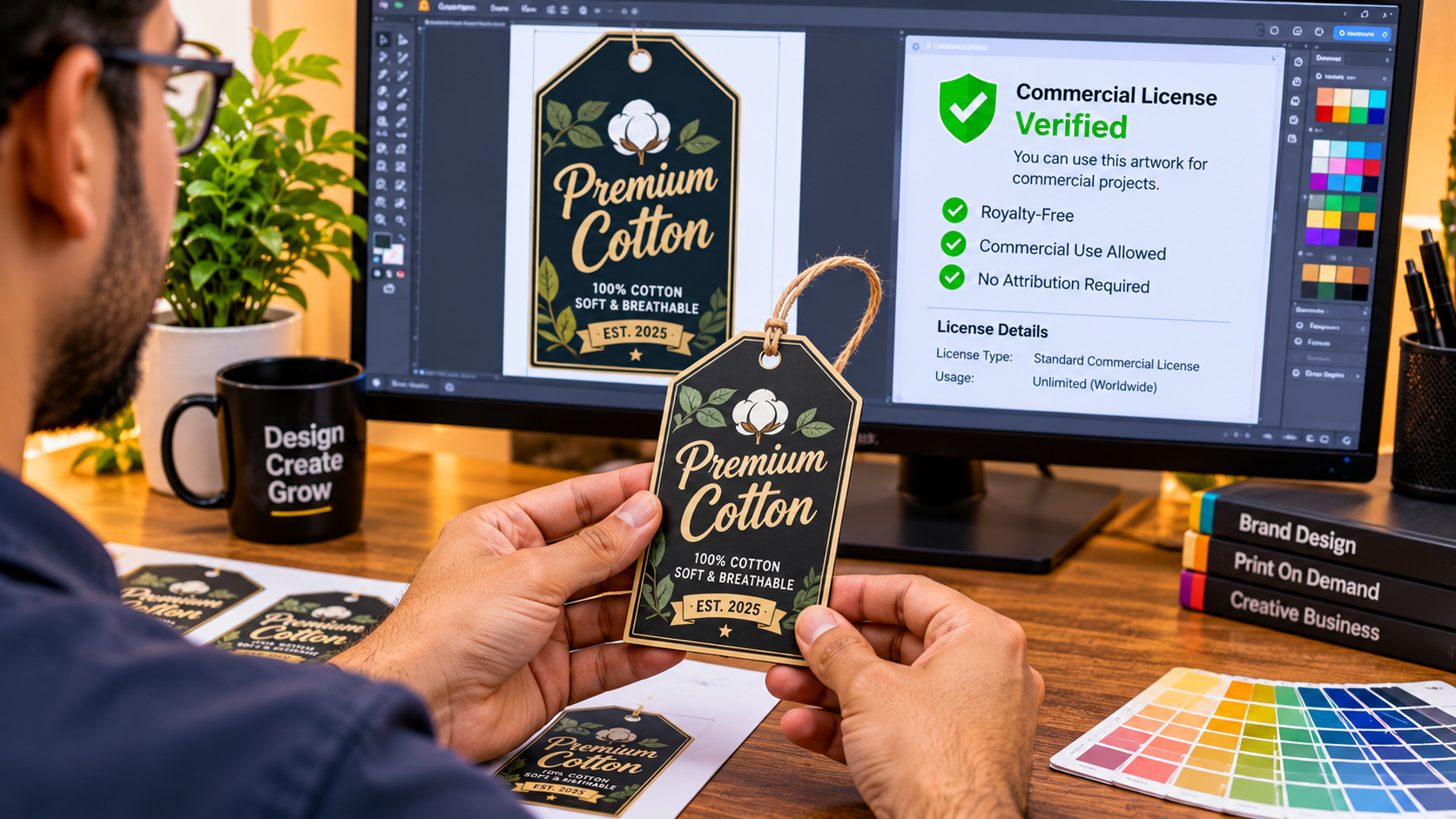
The landscape of free AI image generation offers immense creative power, but navigating it successfully demands matching the tool to your business reality. If your workflow requires flawless typography for apparel or posters, Ideogram provides unmatched text fidelity under clear commercial terms. When client accountability, copyright indemnity, and brand cohesion are paramount, Adobe Firefly remains the safest cloud-based platform in the industry. And for designers seeking absolute creative autonomy without credit meters or legal ambiguity, running open-weight models like FLUX on local hardware represents the ultimate investment in your long-term creative pipeline.
WRITTEN BY
PixelPulseWelcome to my gaming blog! I'm The Gaming Hub, a passionate gamer, and experienced writer dedicated to providing you with top-notch gaming content. From comprehensive game reviews to helpful tips, gaming accessories, and industry news, I cover it all. With a focus on SEO optimization, my articles are designed to captivate readers while delivering valuable insights. Stay tuned for engaging storytelling, accurate research, and up-to-date information on the latest gaming trends. Join me on this exciting journey as we delve into the immersive world of video games and unlock new gaming adventures together!